Map Pin

A map pin is a visual representation used to mark a specific location or point of interest on a map.

Dos and Don'ts

Do
  • Only use within a map component.


Anatomy

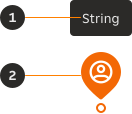
An annotated diagram of a map pin with numbered callouts identifying the optional tooltip and the pin.
  1. Tooltip (Optional): Additional contextual information.
  2. Pin: Marks a point on the map.

Variants

Brand

Used for contrast on default maps.

A map pin in the brand variant displayed on a default map.

Inverse

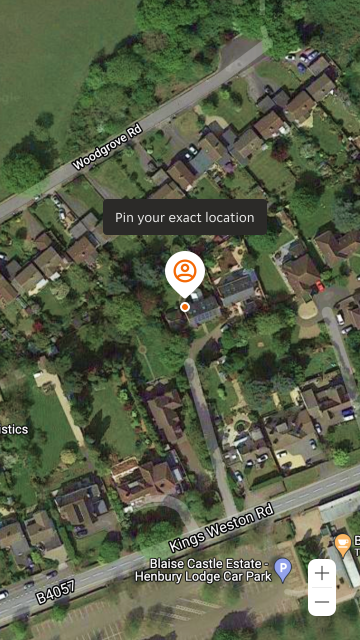
Used for contrast on satellite maps.

A map pin in the white (inverse) variant displayed on a satellite map.

Modifiers

Tooltip position

Three Tooltip positions are available within the Map Pin component; left, top and right.

Left

A map pin showing the tooltip positioned to the left.

Top

A map pin showing the tooltip positioned to the top.
A map pin showing the tooltip positioned to the right.

Overrides

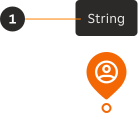
A map pin tooltip displaying bold text within the string.
  1. String: The tooltip string can include bold type, when the string is a complete sentence or more.

Examples
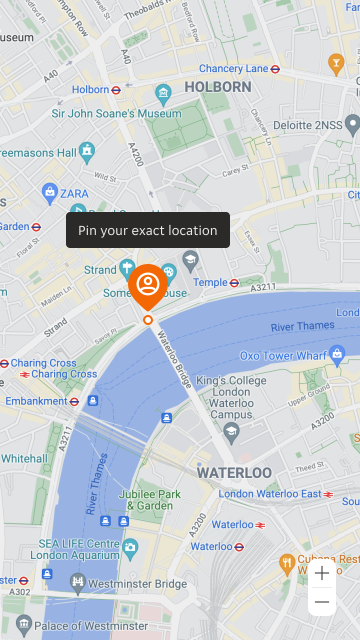
A map pin used to mark an exact location on a default map.
A map pin used to mark an exact location on a satellite map.
Back to top